Nexus Live
Live Capture allows you to bring live video feeds into Nexus Desktop from multiple sources, including mobile devices, cameras, and network streams. This enables analysts to code matches in real time while receiving video directly inside their Nexus workspace.
What is Live Capture
Live Capture is part of the Nexus Live add-on and allows Nexus Desktop to receive video feeds from external devices or streaming sources. Once connected, the live video appears inside Nexus and can be used for real-time analysis and tagging during matches or training sessions.
Supported Capture Sources
Nexus can receive live video from different types of sources depending on your setup. Supported sources include:
• Mobile devices using the Nexus Mobile app
• Video cameras connected through capture hardware
• Network streams such as IP cameras or streaming servers via URL
Step 1: Open the Live Tab
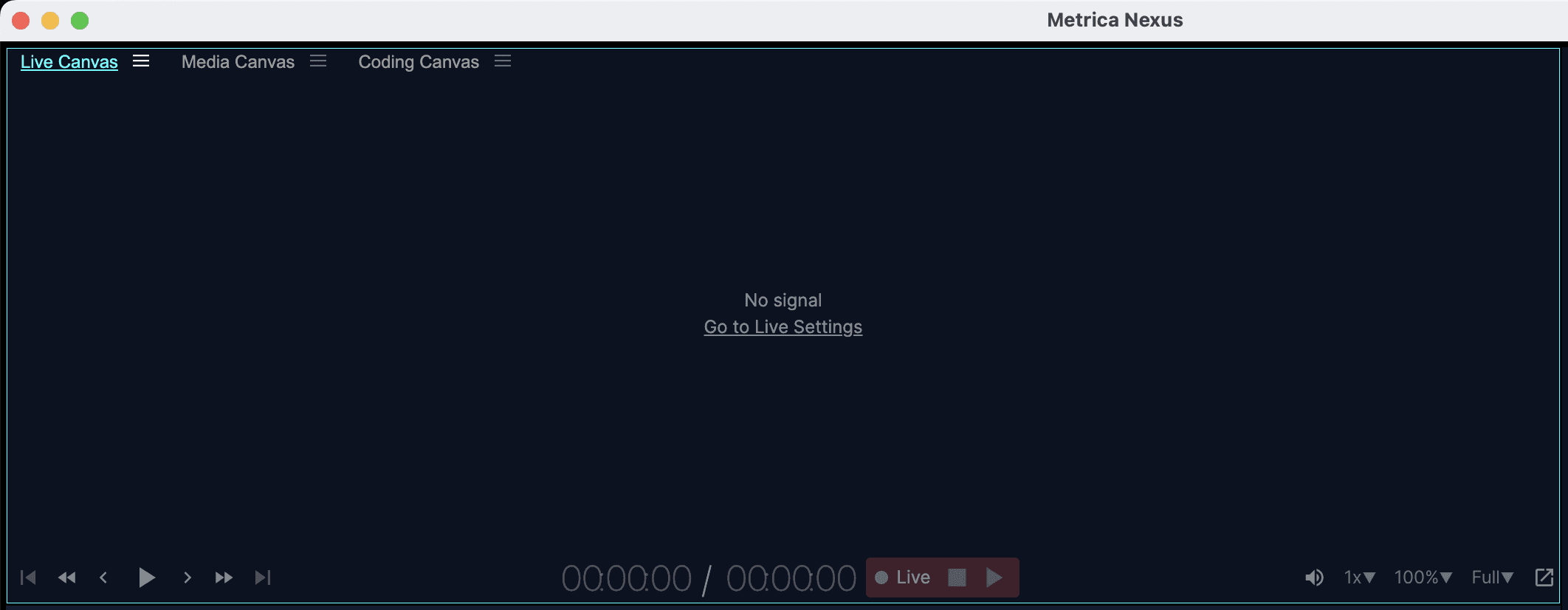
In Nexus Desktop, open your workspace and go to the Live tab. This is where you configure and manage your live capture sources.
Step 2: Select the Capture Source
Inside the Live settings, choose the source type you want to use.
Depending on your setup, you can select:
• A connected mobile device running Nexus Mobile
• A camera connected through a capture card or hardware input
• A network stream by entering the stream URL
Once the source is selected, Nexus will connect to the video feed and display the live image inside the Live panel.
Step 3: Start Live Analysis
With the live feed active, you can "Start" coding the match using your coding sequences and shortcuts. Events will be created in real time while the video feed continues to play inside Nexus.

Step 4: Record the Capture
If recording is enabled, Nexus will save the incoming video feed to your computer while you code the session. Choose a destination folder for the recording and stop the capture once the match or training session ends.
Working Without a Video Source
Live Capture also supports workflows where no video source is available during the match. In this case, analysts can code the events live and later link the coded events to the recorded match video after the session.
Tip
Live Capture is commonly used during matches to allow analysts to tag events while receiving a live video feed from the sideline or from a streaming camera.
Next Step
Once your capture session is finished, you can review the recorded video and events inside Nexus and prepare clips for analysis or sharing.