Account & Login
Check whether your license is active and activate your license key.
Licenses are usually activated automatically when you start a subscription.
Check if your license is active
Log in to your Account Settings and look at the top right corner, next to your email address. There you can see which license is active on your account.
Activate your license key
If your license is not active, activate your key from the settings menu:
Click the settings icon in the top right corner.
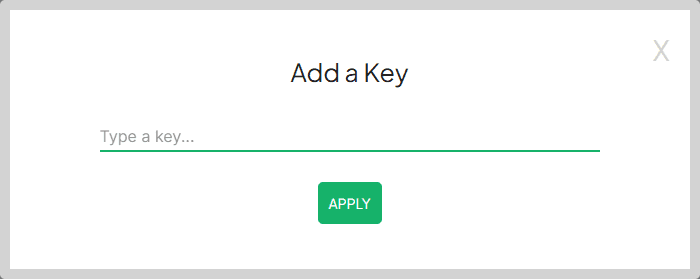
Select Add Key.
Paste your license key and confirm.
You received your license key by email after creating your subscription. Check your spam folder if you cannot find it. The key starts with your plan name and billing cycle, for example ESSENTIALS-MONTHLY-sub_.
Still not working? contact our support team.