Plans & Billing
Upgrade or change your plan from your Account Settings.
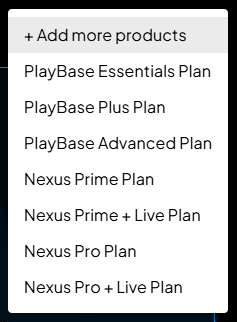
You can change your active plan at any time, for example to upgrade from PlayBase Plus to PlayBase Advanced or from Nexus Prime to Nexus Pro.
How to change your plan
Log in to your Account Settings and open the Plans tab.
Click Add more products and select your new plan.
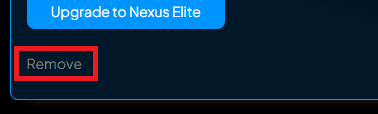
Remove your current plan by clicking Remove.
Click Update Subscription. You pay the price difference right away and your new plan is active immediately.
Not sure which plan you need? Compare the Nexus plans and the PlayBase plans.