Account & Login
Reset your password in a few steps.
If your password does not work, you can set a new one at any time.
How to reset your password
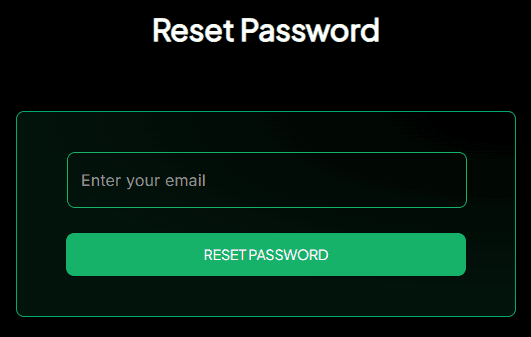
Enter the email address of your account and click Reset password.
Open the email we send you and follow the link to choose a new password.
Log in to Metrica PlayBase or Metrica Nexus with your new password.
Did not receive the email? Check your spam or promotions folder. If it still does not arrive, contact our support team.
If your password works but the app still does not let you in, read Why is PlayBase or Nexus not letting me log in?